Siri
The Lloyd’s smart products are compatible with Siri Shortcuts through routines created from the app follow these steps.Open Lloyd's APP.
Select the scene option.

Press.

Select

Press the
 sign to add a task.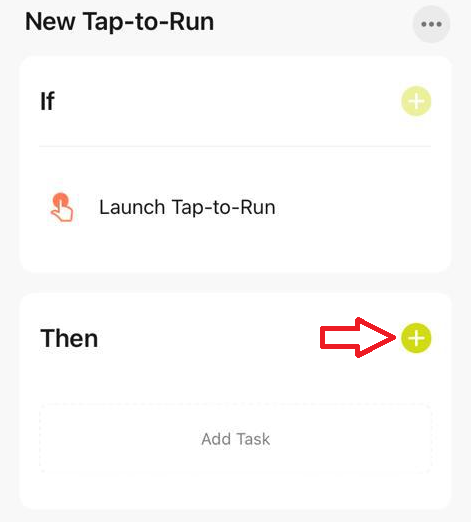
Select run the device option.
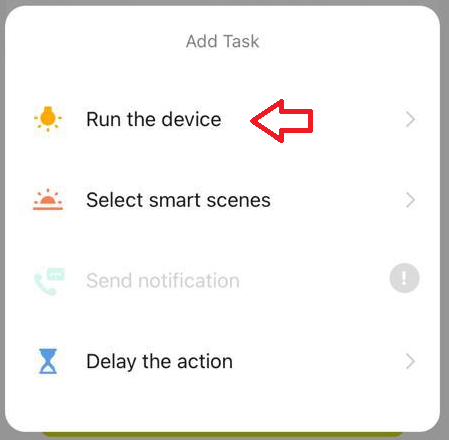
Select the light bulb from the list.

For this example select the switch option.
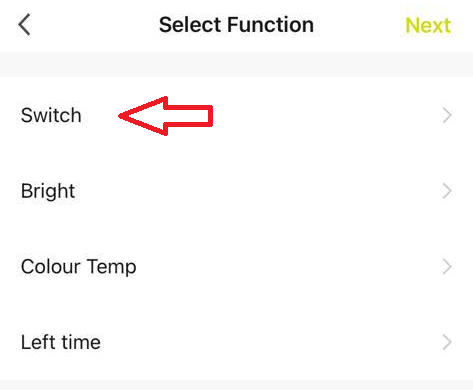
And then the "on" option.
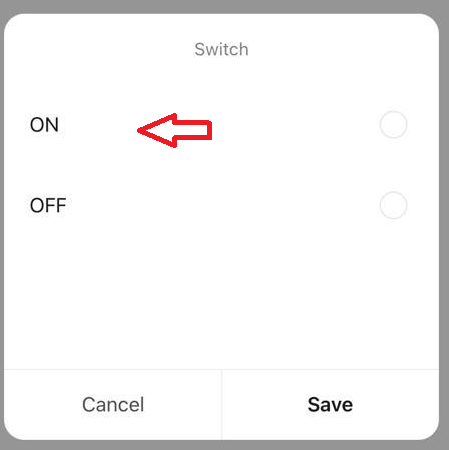
When the switch option is set to on, press next.
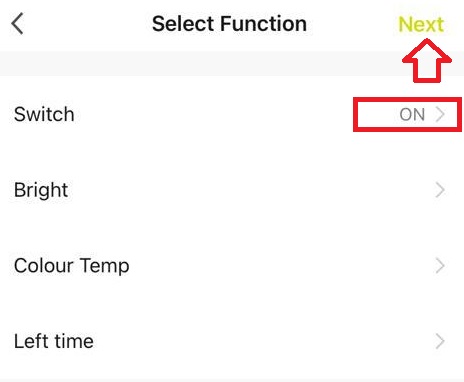
Press the
 and change the name of the scene.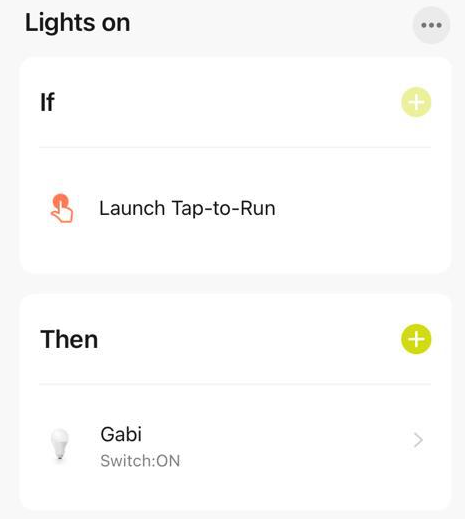
then click

In the scene section of the app, press the "add to siri botton"
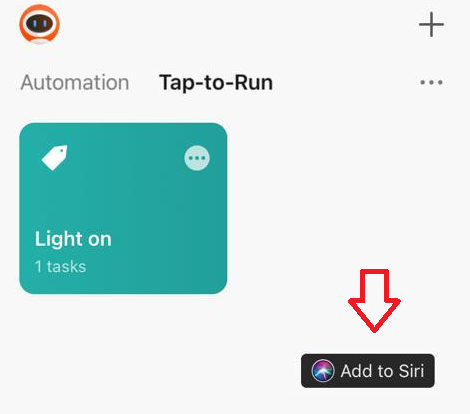
Select your new scene.

Press done

Siri is ready to turn the lights on.