on your smartphone.
Select
 (upper right corner)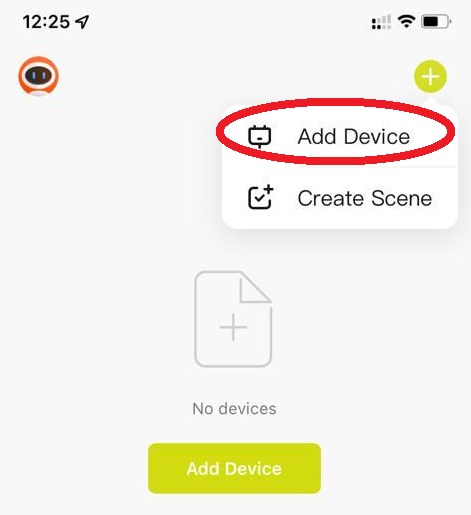
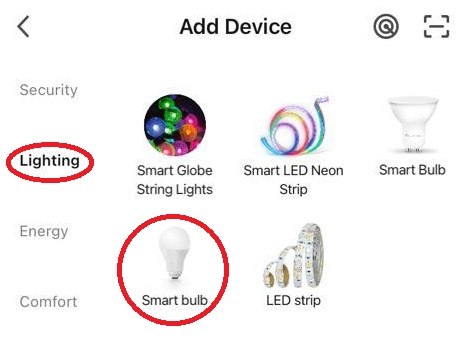
Choose the type of device that you want to add (“Lighting”)
Select "Smart Bulb"
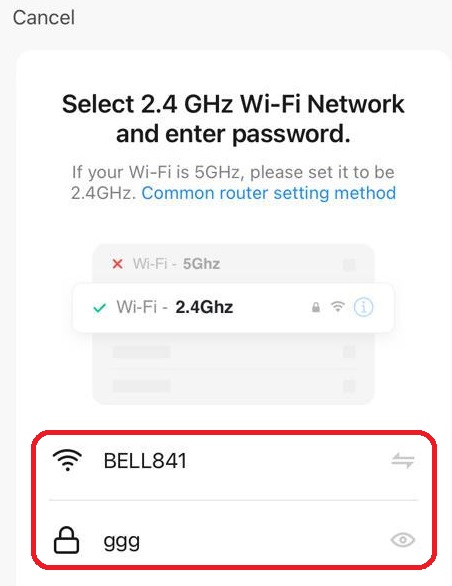
Enter your Wi Fi network information and password, then click “Next”.
IMPORTANT
THE CONNECTED WIFI NETWORK
MUST BE 2.4Ghz.
THE CONNECTED WIFI NETWORK
MUST BE 2.4Ghz.
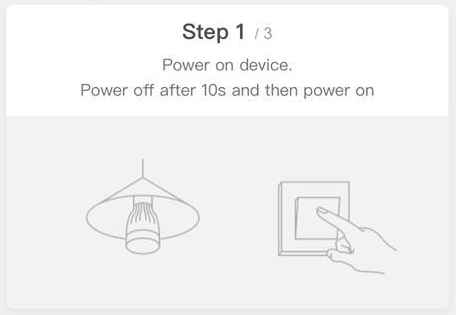
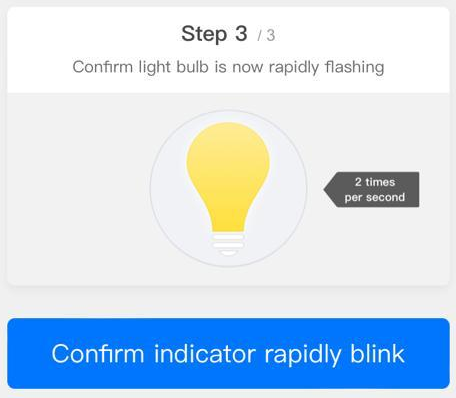
Turn on the light bulb, and verify it is flashing to continue.
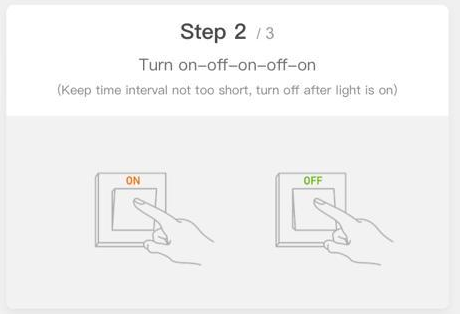
If the light bulb is not flasing follow these steps to reset it.
IF THE LIGTH BULB IS NOT DISCOVERED.
Reset the light bulb again, when the light bulb is flashing rappidly,
turn it off-on-off-on-off and the light bulb will flash slowly.
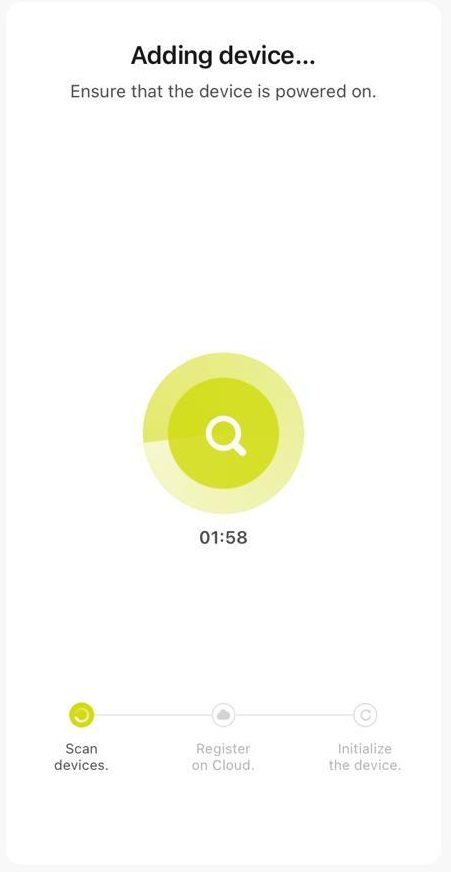
Connect your phone to the light bulb wifi, go back to the app and run the discovery again.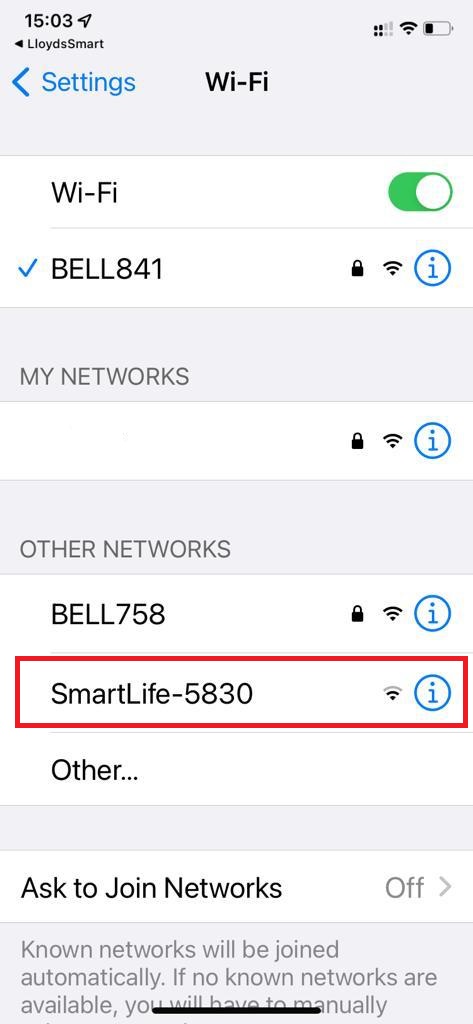
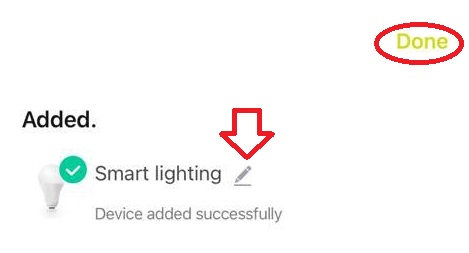
Once discovered click on the pencil and edit its name.Connect your phone to the light bulb wifi, go back to the app and run the discovery again.
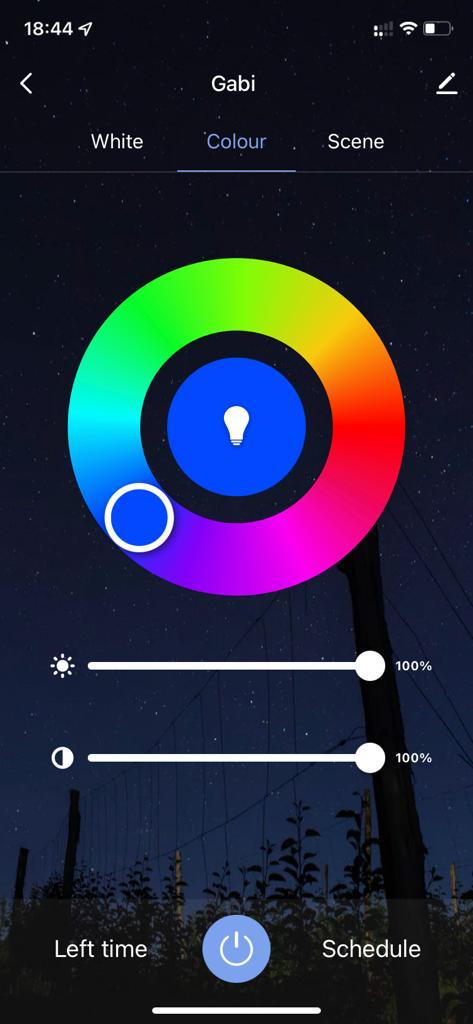
Now from the app you'll be able to change colours, brightness and warmth.