Install the Lloyd's APP.

Make sure your Smartphone has iOS 10.0 or higher or Android™ 4.4 or higher.
Check your network and make sure you are connected to a 2.4 GHz Wi Fi channel.
Download and install the Lloyds Smart app
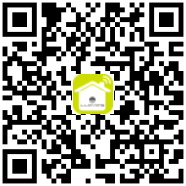
Click or scan the following QR code with your Smartphone.
 |
 |
Registration and access
Launch the Lloyds Smart app.
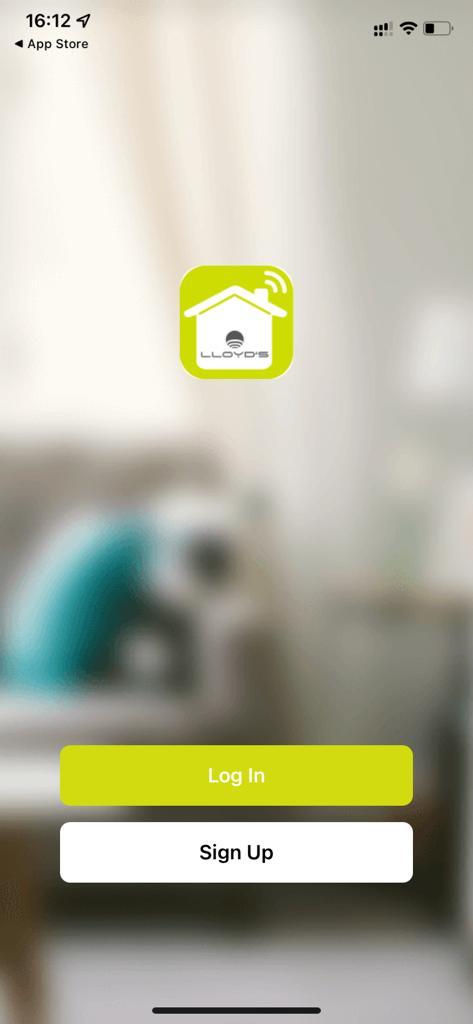
Log in directly if you already have an account.
Or to register, click
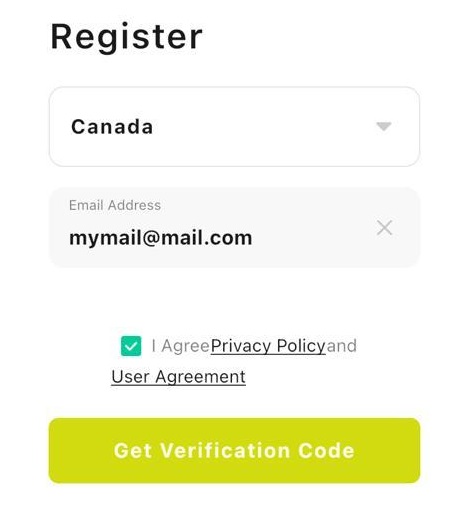
Select your country and enter an email address
Click “Get Verification Code”.
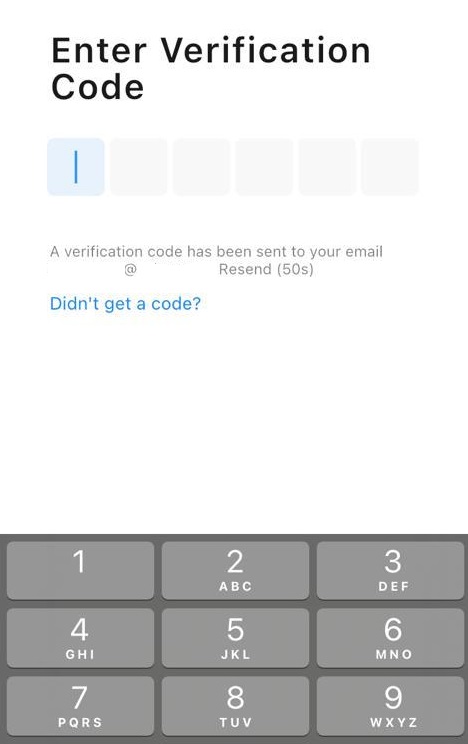
Enter the code sent to your email (check inbox or spam)
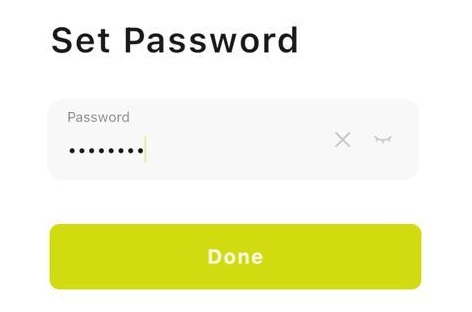
Set a password and click “Done”