
Video Intercoms: Wi-Fi, Wired Monitor, or Wireless?
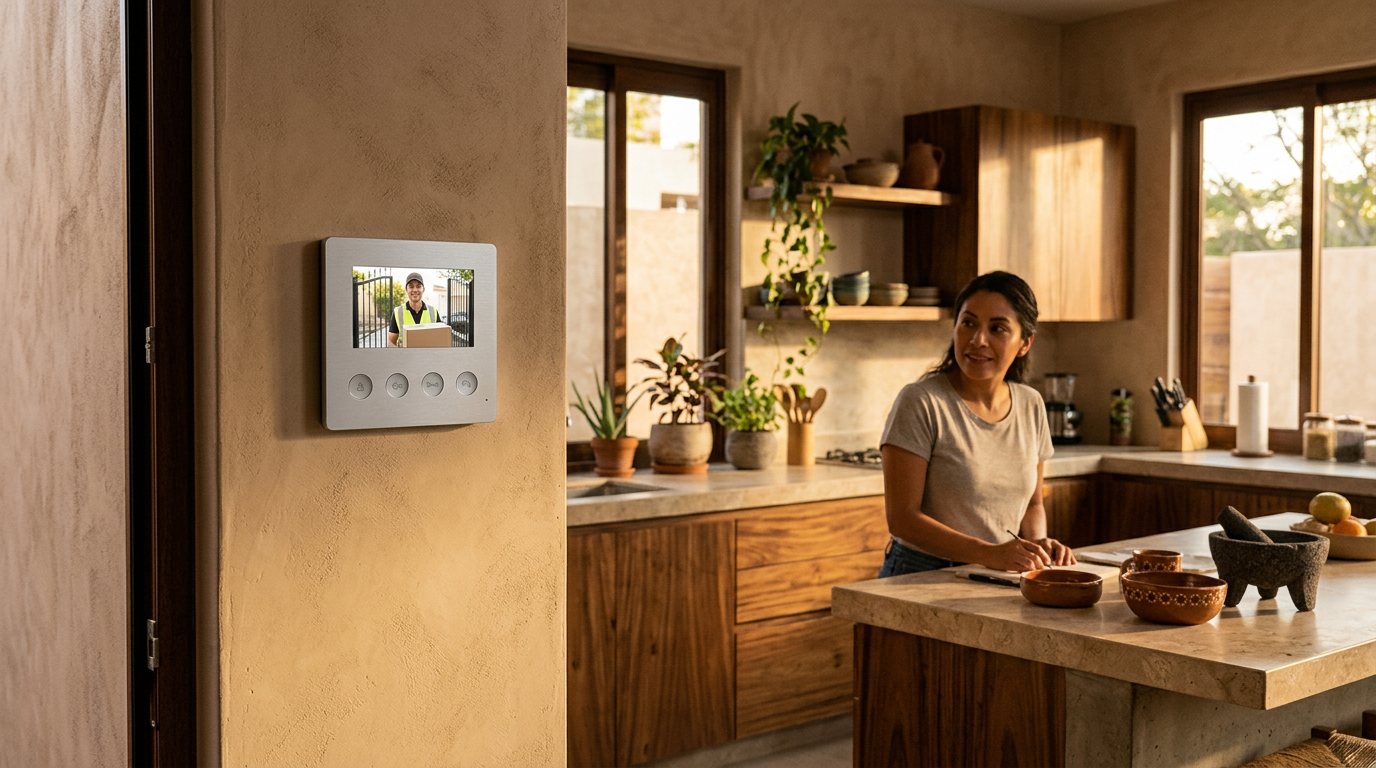
A video intercom lets you see and talk to whoever is at the door before you open it. The question is where you want to answer from: your phone, a monitor on the wall, or a portable monitor that doesn't depend on the internet. The Lloyd's catalog has options for all three. Here we explain how they differ and what to check before you buy.
The three types of video intercom
Wi-Fi or smart: answer from your phone
This type connects to your Wi-Fi network and alerts you on your phone when someone rings or when it detects motion. You answer from the Lloyds Smart app, whether you're home or away.
The LC-1373 smart Wi-Fi video intercom with 7″ touch monitor has a 7″ touch monitor inside the house, and you can also answer it from the app. Its camera is Full HD with a 120° viewing angle and night vision. If you connect it to a compatible 12 VDC electric lock, you can unlock the door from the monitor, from the app, or with a 4 to 6 digit code on the backlit keypad of the outdoor station. It requires 2.4 GHz Wi-Fi and internet for remote access and notifications.
If you don't need a monitor, the LC-1330 smart Wi-Fi video intercom works with the app alone. It records in Full HD and has a 160° lens, night vision, two-way audio, and motion alerts. It runs on rechargeable batteries, so you don't need to run a power cable to the door.
Wired monitor: a fixed unit inside the house
This is the classic system: an outdoor station with a camera outside and a monitor on the wall, connected by cable. It doesn't depend on the internet or a phone. It's a good option if someone at home prefers to answer on a screen, without apps.
They come with 4.3″ and 7″ screens. Some examples:
- LC-1414 color video intercom with 7″ screen: 2 MP camera with a 120° angle and night vision. To unlock the door from the monitor, add the LCH-1056 electric lock, sold separately.
- LC-1415 HD 7″ video intercom with electric lock: the kit already includes the 12 VDC lock. You can unlock it from the monitor, with the manual knob, or with a key.
- LC-1248 7″ video intercom with access keypad: the outdoor station has a keypad to unlock with a 4-digit passcode, in addition to unlocking from the monitor. The lock is not included.
- LC-1158 7″ video intercom with lock and outdoor camera: includes a lock and an additional IP66-rated outdoor camera, which you can also view on the monitor.
- LC-1332 4.3″ video intercom with lock and gate release: releases the electric lock (not included) and can also open an electric gate through a dry contact, with an external power supply.
Wireless: no app and no internet
The LC-1458 wireless video intercom is a conventional system that works locally. It doesn't use an app or the internet. It has a 3.5″ portable monitor, two-way audio with noise cancellation, and infrared night vision. When someone rings the bell, it takes photos and records video to a Micro SD card of up to 256 GB (not included). The monitor and the outdoor station have rechargeable batteries and can also be connected by cable.
What to consider before choosing
Does your Wi-Fi reach the door?
A Wi-Fi model only works well if the signal reaches the entrance with good strength. Stand where the outdoor station will go and check the signal with your phone. The smart models in this guide use the 2.4 GHz band. If the signal is weak or your internet drops often, a wired model or the local wireless one will give you fewer headaches.
Do you want to unlock the door or the gate?
Check whether the model comes with the lock or whether you buy it separately. The LC-1415 and the LC-1158 include it. The LC-1414, the LC-1248, the LC-1332, and the LC-1373 need a compatible electric lock sold separately. For an electric gate, the LC-1332 lists it in its product sheet. If a model doesn't mention gates in its product sheet, don't assume it works with one.
Who's going to answer?
If there are older adults or kids without phones at home, a wall monitor is more practical. If you're rarely home, the app lets you answer from wherever you are. The LC-1373 covers both cases.
Installation: cable or battery
Systems with a wired monitor need a 4-wire cable run from the outdoor station to the monitor, and the monitor plugs into an outlet. Battery-powered models like the LC-1330 install faster, but you'll have to recharge them.
Always follow your model's manual. If you're going to connect a lock or run a long cable and you don't have experience with electrical work, get help from a technician.
Night vision and viewing angle
All the models in this guide have night vision, so focus on the angle instead. A wide angle lets you better see someone standing off to the side or a package on the ground. For reference: the LC-1330 has 160°; the LC-1373, the LC-1414, and the LC-1415, 120°; the LC-1332, 85°; and the LC-1458, 70° horizontal.
Quick picks
- You want to answer from your phone and from a monitor: LC-1373.
- You only want the app and no cables: LC-1330.
- You prefer a fixed monitor and unlocking the door from it, with the lock included: LC-1415.
- You already have a lock or want to build your own kit: LC-1414 with the LCH-1056.
- You want your family to unlock with a passcode: LC-1248.
- You also want to watch another part of the entrance: LC-1158.
- You need to open an electric gate: LC-1332.
- You don't have internet or don't want to depend on it: LC-1458.
If you're still not sure which one is right for you, message us on WhatsApp from our Contact page and we'll help you choose.