
Essential with AI
7Keeps events from the last 7 days
- Descriptive AI alerts
- Custom events
- Smart search
- Event videos in the cloud
For 1 camera, or 3 for the price of 2 · every 30 days
AI Cloud · in the Lloyds Smart app
With an AI Cloud plan, your camera tells you what happened (not just that something moved), lets you search your recordings in seconds and keeps the video of every event in the cloud.
Try it free for 7 days. You turn it on in the Lloyds Smart app, from your camera's screen. When the 7 days end, the plan you chose is charged unless you cancel first.
 Lloyds SmartPerson with a package at the doorLloyds SmartA dog is on the couchLloyds SmartA white car pulled into the garage
AI describes each event, so you know whether it's a delivery driver, your pet or something that needs your attention without opening the video.
Choose which events you want: person, pet, vehicle, package or fire, and add up to 3 events in your own words, such as “person climbing the fence”.
Search your recordings by tag, such as “person” or “vehicle”, instead of scrolling through hours of video.
Event videos are uploaded to the cloud. If the camera is damaged or stolen, the ones already uploaded are still there.
Motion, a person, a vehicle…
It recognizes what appears and describes it.
With the description and a preview.
Watch the video, talk through the camera or search other events.
There are two AI Cloud plans. They renew automatically every 30 days, for one camera or for three.
7Keeps events from the last 7 days
For 1 camera, or 3 for the price of 2 · every 30 days
30Keeps events from the last 30 days
For 1 camera, or 3 for the price of 2 · every 30 days
Just want to keep your videos? Standard Cloud keeps events from the last 7 or 30 days, without descriptive alerts or AI search.
Check current prices in the Lloyds Smart app before subscribing. If you start with the free trial, the charge comes when the 7 days end, unless you cancel first.
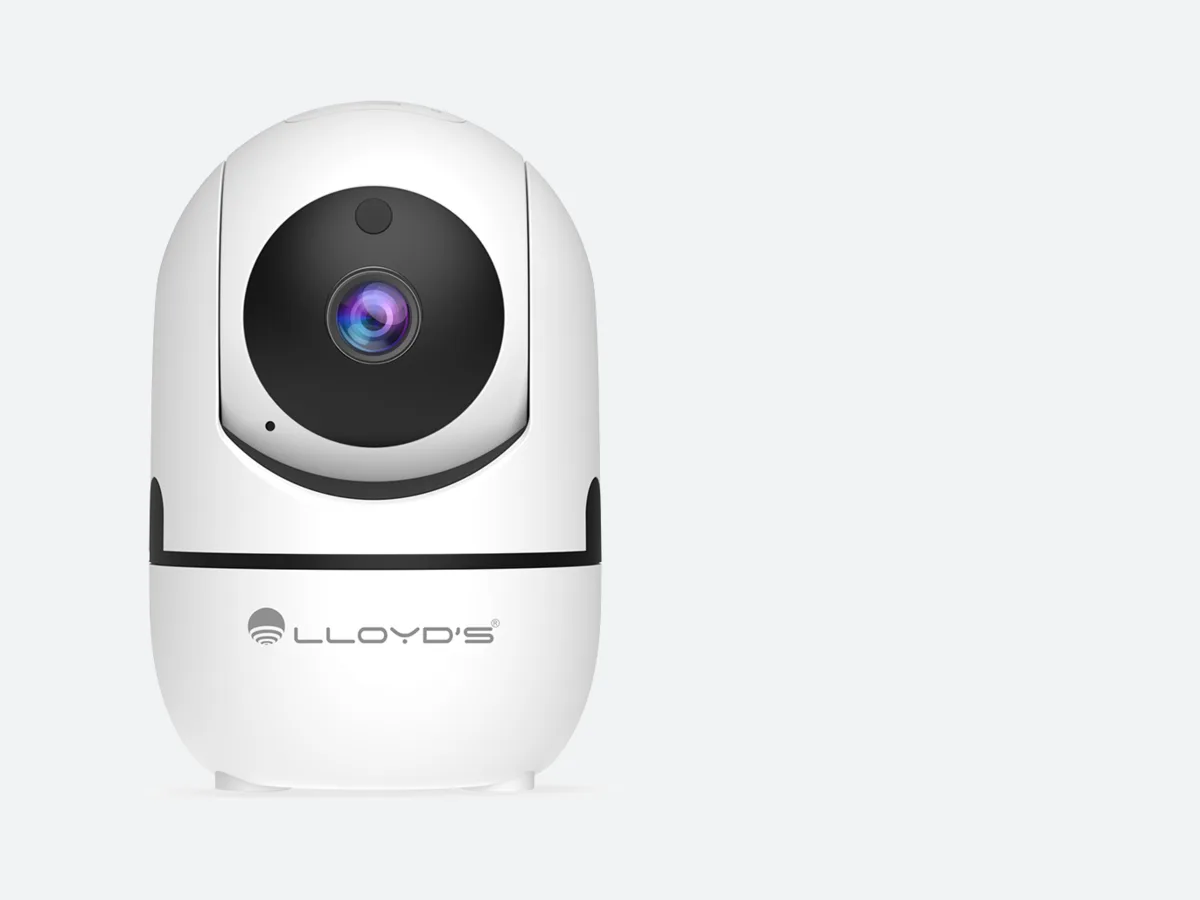
Works with the Lloyd's cameras and video intercoms used with the Lloyds Smart app.
No. AI Cloud keeps the videos of events the camera detects (motion, people, vehicles, pets or packages), not continuous 24-hour recording.
Not for the cloud. A microSD card is another way to save video: it stays in the camera itself.
In the Lloyds Smart app: open your camera and go to the cloud storage option. There you'll see the AI and standard plans, with their prices, and the 7-day free trial.
When the 7 days end, the plan you chose when you started the trial is charged automatically. If you don't want to be charged, cancel the renewal in the app before the 7 days are up.
When you subscribe and link the camera. Once active, it can't be paused. On 3-camera plans, it starts with the first camera you link.
Cancel automatic renewal anytime, in the app or by writing to software@lloydselectronica.com. Your plan stays active until the end of the period you already paid for. If you paid and couldn't use it because of a service failure, contact us.
The camera needs a connection to upload videos. Anything that happens while it's offline doesn't reach the cloud.
Only you and the people you give access to in the app. See the app's privacy notice to learn how your data is handled.
Message us on WhatsApp and we'll help you turn it on for your camera.