
Smart Heaters: How to Choose One and Use It Safely
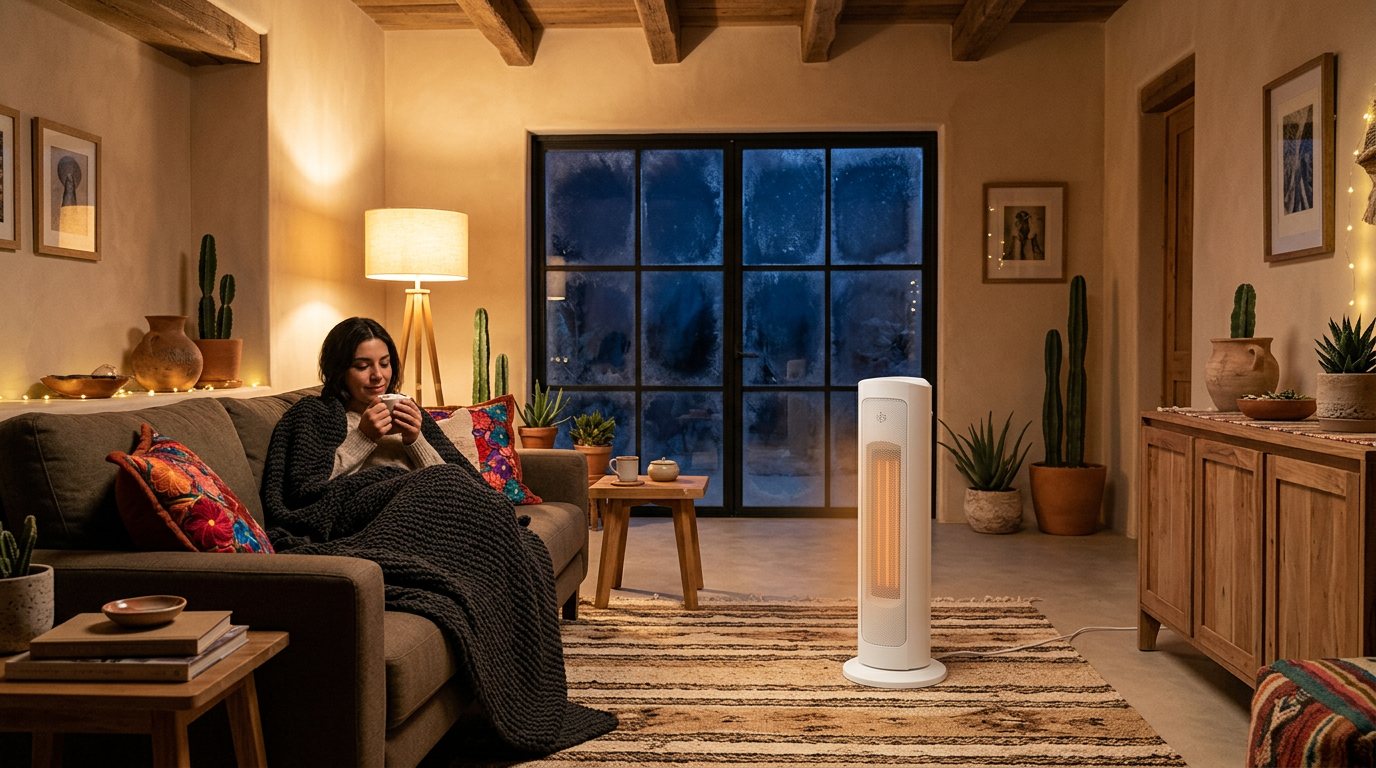
November already brings cold mornings and nights that feel long. A tower heater helps warm up a bedroom, a home office, or the living room without any construction work. If it also connects to Wi-Fi, you can turn it on from your phone or with your voice and schedule when it shuts off.
Here we compare Lloyd's smart tower heaters, look at what you get by controlling them from the app, and go over the basic safety tips.
What they have in common
The first four models in this guide all have:
- Ceramic heating element with two power settings: 750 W and 1500 W.
- Thermostat you can set between 15 °C and 35 °C.
- 45° oscillation to spread warm air around the room.
- 1 to 12 hour timer to schedule automatic shutoff.
- 2.4 GHz Wi-Fi connection and control from the Lloyds Smart app.
- Voice control with Amazon Alexa and Google Assistant.
- Automatic shutoff if it overheats or if it tilts or tips over.
All of them are for indoor use. So the choice mostly comes down to the control panel, size, color, and a few extras.
Which one to choose for your space and style
LC-1355: touch panel and two colors
The LC-1355 smart tower heater has a touch panel with a display, so you can adjust everything without reaching for your phone. It measures 23 × 23 × 61 cm and comes in white or black, which helps if you want it to match your decor. Its dust filter is removable for cleaning. Besides Alexa and Google Assistant, it works with Siri through Shortcuts, and it doesn't need a hub.
LC-1322: compact, with a metal grille
The LC-1322 Wi-Fi tower heater stands 56 cm tall on a base 18.7 cm in diameter. It works well if you have little space next to your desk or nightstand. It combines plastic with a metal grille, comes in black, and you control it with the manual panel or from the app.
LC-1228: with fan mode
The LC-1228 Wi-Fi tower heater adds a fan mode to its two heat settings. It has a panel with an LCD display, a removable dust filter, and a 1.5 m cord. From the app you can create schedules and share control with your family, so anyone at home can turn it on from their phone. It also works with Siri through Shortcuts.
LC-1291: schedule by date and time
The LC-1291 Wi-Fi tower heater has a button panel with an LCD display and comes in black. From the Lloyds Smart app you can set the date and time it turns on, which is handy if your schedule changes from day to day.
LC-1226: 90° oscillation
The LC-1226 Wi-Fi tower heater oscillates 90°, twice as much as the models above, to spread heat across more of the room. It has the same two power levels (750 W and 1500 W), a 15 °C to 35 °C thermostat and a 1 to 12 hour timer. You control it from its touch panel with LCD display, the app or your voice, and it shuts off on its own if it overheats or tips over.
Why it pays to control it from the app
The most convenient feature is simple: turn it on before you get home. Open Lloyds Smart from work or on your way back, choose the temperature, and walk into a warm room. There's no need to leave it running all afternoon.
Other things the app lets you do:
- Schedules. Set it to turn on a little before you wake up or before bed, and stop doing it by hand every day.
- Timer. Have it shut off on its own after 1 to 12 hours. If you like falling asleep in a warm room, the timer keeps it from running all night.
- Exact temperature. Instead of guessing with the power setting, you set the temperature you want and the thermostat does the rest.
- Voice. With Alexa or Google Assistant you can turn it on, turn it off, or change the temperature without getting out of bed or looking for your phone.
To set it up, you need a 2.4 GHz Wi-Fi network.
A note on smart plugs
These heaters already have Wi-Fi, so you don't need to plug them into a smart plug to control them remotely. The LC-1228 product sheet says to plug it directly into a wall outlet, without extension cords. Follow that instruction and the one in your model's manual.
How to use it safely
These are the basic precautions:
- Give it room. Keep it at least 50 cm away from walls, curtains, furniture, bedding, and any other objects.
- Firm surface. Place it on a firm, level surface where no one will trip over it.
- Don't cover it. Don't dry clothes on it or cover it with anything.
- Keep it away from water. Don't use it in bathrooms, next to the shower, or in wet areas. These heaters are for dry indoor spaces.
- Straight to the wall. Plug it into a wall outlet in good condition, without extension cords or power strips shared with other high-power appliances.
- Kids and pets. Put it where they can't pull on it or push objects through the grille.
- Cleaning. On models with a removable filter, clean it with the heater turned off and unplugged.
- Unplug it when you won't be using it for a while.
- Read the manual for your model before using it for the first time and follow its instructions.
If you plan to turn it on remotely, leave it in a safe, clear spot beforehand.
How to keep energy use in check
A heater's energy use depends on two things: its power and how long it runs. One hour at 1500 W equals 1.5 kWh; at 750 W, half that. A few ideas to avoid using more than you need:
- Use 750 W in small spaces or when it's only a little chilly, and save 1500 W for when you really need it.
- Set a reasonable temperature on the thermostat instead of leaving it at the maximum.
- Use schedules and the timer so it only runs when you're in the room.
- Close doors and windows in the room you want to heat so the warmth doesn't escape.
Questions?
Not sure which one is right for you or how to set it up? Message us on WhatsApp from our Contact page and we'll help you.