
How to Keep Your Home Protected Over the Holidays
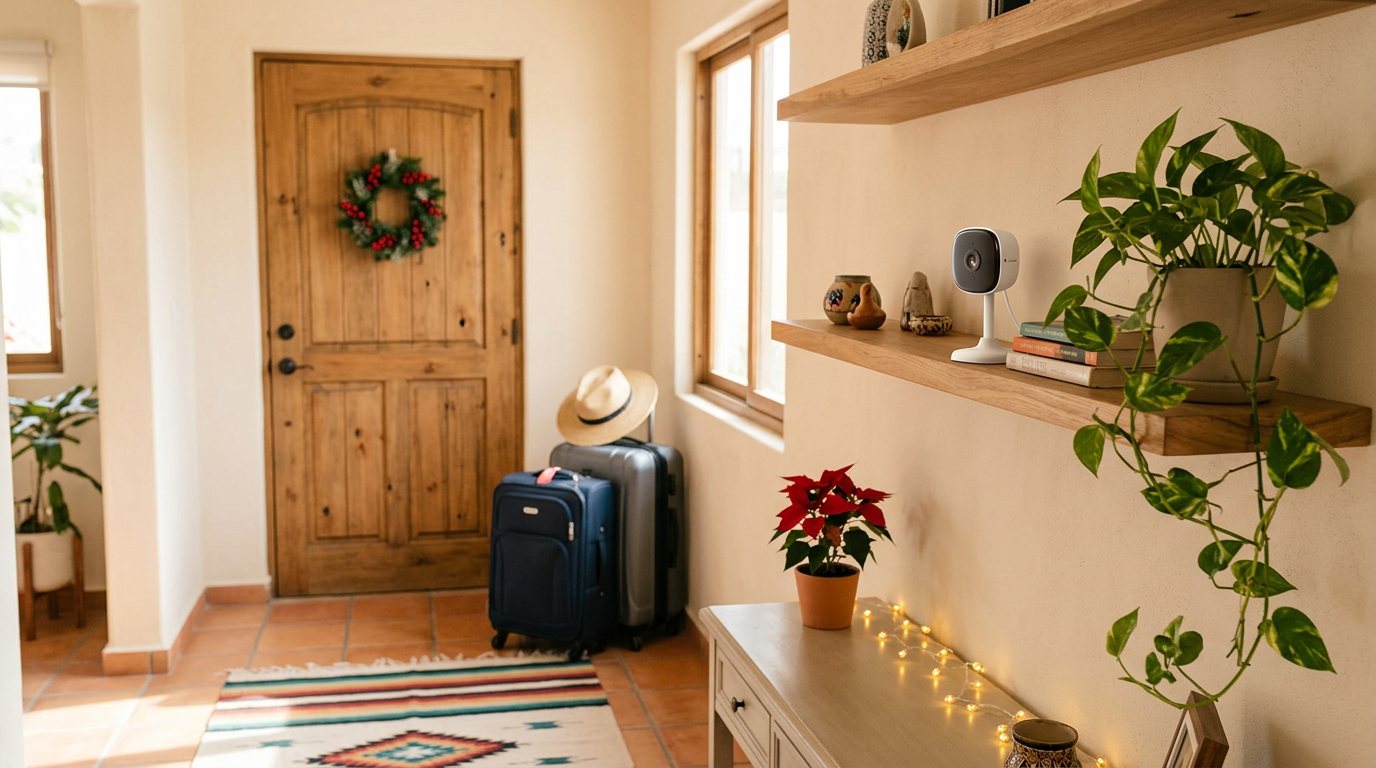
In December, many homes sit empty for several days. You don't need a complicated system to leave with peace of mind. With a few devices connected to the Lloyds Smart app and a couple of simple habits, you can see what's happening at home from your phone.
This is a practical checklist. Take what works for you.
1. See your home from your phone
Think about two areas: inside and the entrance.
For indoors
The Smart IP camera with 340° rotation and siren pans 340° horizontally and tilts 80° vertically, and it automatically follows movement. It sends alerts to your phone for motion, people, or sound in the areas you define. It has night vision up to 10 meters, two-way audio, and an 80 dB siren you can trigger manually or on detection.
One thing to check before you leave: it records to a memory card of up to 128 GB (not included) or to the cloud with a subscription.
For the entrance or patio
The Rechargeable battery IP camera for indoor and outdoor use has IP65 dust and water protection, so you can mount it outside. It runs on two rechargeable batteries that last up to 6 months with average use. Its PIR sensor alerts you to motion and sound, and it has night vision up to 5 meters.
If you're leaving it for several weeks, check the battery level in the app before you go.
2. Know if a door or window opens
The Smart door and window magnetic sensor sends a notification to your phone when the door or window where you install it opens or closes. The sensor goes on the frame and the magnet on the door or window itself. It runs on an included CR2032 battery and connects directly to your 2.4 GHz Wi-Fi, with no hub. In the app you can check the detection history and battery level.
Put it on the front door first, and then on the window that's easiest to reach from the street.
3. Make it look like someone's home
A house that stays dark for days draws attention. So does a light that turns on at exactly the same time every night.
The Programmable digital timer solves this without Wi-Fi. Plug in a lamp and turn on random mode: between 6:00 p.m. and 6:00 a.m., it shifts the programmed times by 0 to 32 minutes to simulate someone being home. It holds up to 8 programs and handles appliances up to 1100 W. Leave it plugged in for about 12 hours before setting it up the first time, so don't leave it for the last night.
If you already have smart bulbs or plugs in the Lloyds Smart app, give each room its own schedule. A light in the living room early in the evening and another in a bedroom later looks more natural than everything turning on at once.
4. Detectors for things that aren't break-ins
A fire, a gas leak, or a burst hose gets worse when no one is around to notice.
- The Smart smoke detector sounds an 85 dB alarm and sends a notification to the users you share the device with. In the app you can see whether it has gone off and check the battery status.
- The Smart gas detector detects LP or natural gas and alerts you in real time through the app if it finds a leak.
- The Smart water leak detector sends a notification to your phone when it detects water. Place it next to the water heater, under the sink, or near the washing machine.
You can link these detectors with other Lloyd's devices to create routines in the app, for example, turning a smart bulb red when they detect something.
5. Give access to whoever's helping out, without lending keys
If someone is coming by to water the plants or check on the house, the usual problem is the key: making copies and getting them back.
The Smart fingerprint lock lets you create temporary passcodes with an expiration date and time from the app. Once they expire, they stop working on their own. The history log shows who opened the door, when, and with which method, and you can also unlock the door from the app even when you're away.
Before you leave, check the batteries: the app warns you when they're low, but it's better to head out with fresh ones.
6. Keep your pet fed on schedule
If your pet is staying home, an automatic feeder serves meals on time.
The Smart Wi-Fi pet feeder with camera holds up to 3 L of kibble. From the app you set meal times and portions, or serve food on demand. Its 3MP camera with night vision lets you see your pet, talk to them, and record a message calling them to eat. It has a backup battery for power outages.
Keep in mind that it's designed for cats and small or medium dogs up to 20 kg, works only with dry food, and is meant for indoor use. A feeder doesn't replace fresh water or a visit from someone you trust, especially on long trips.
7. Tips that don't need technology
- Don't post about your trip while you're away. Share the photos when you get back.
- Let a neighbor you trust know. Tell them when you're leaving and when you'll be back, and ask them to message you if they notice anything odd.
- Ask someone to pick up your mail and packages. An entryway full of flyers is a giveaway that no one's home.
- Turn off the gas valve and unplug what you don't need. Leave plugged in only what has to keep working while you're gone, like the timer, the camera, or the feeder.
- Test everything before you leave. Open the door to confirm the alert arrives, check the camera over your phone's mobile data and not just your Wi-Fi, and double-check the schedules.
Before you lock the door
You don't need everything on this list. Start with what worries you most.
If you're not sure which device is right for you or how to set it up in the Lloyds Smart app, message us on WhatsApp from our Contact page and we'll help you.